
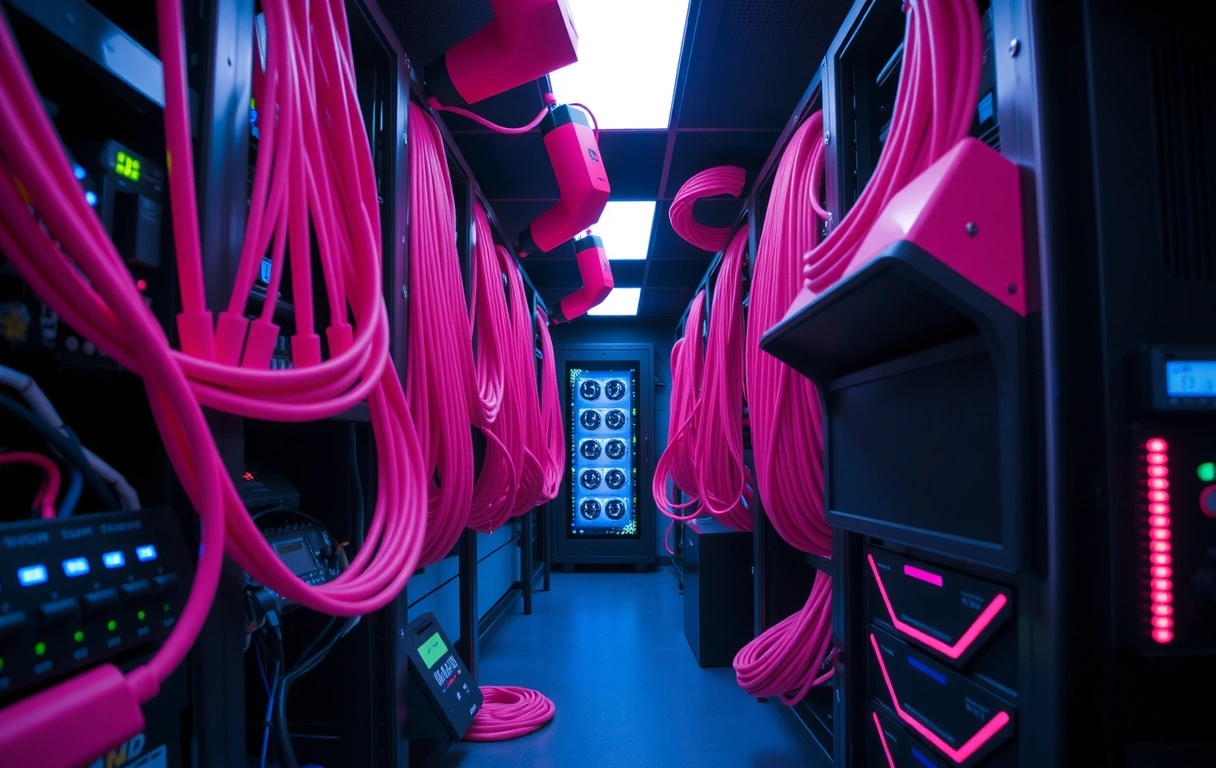
TECHNICAL ASSISTANCE.
Precision-engineered support for the Playnexy ecosystem. Whether you're debugging a hardware-specific latency spike or recovering lost progress, our mission is to return you to the game with zero friction.
The Support Philosophy
At Playnexy, we distinguish between standard troubleshooting and deep technical optimization. Our help center isn't just a list of answers; it's a diagnostic terminal designed to empower players to handle 90% of environmental issues instantly.
When a problem transcends basic debugging, our human response team steps in. We prioritize clarity over speed—providing you with specific log file locations and exact resolution steps rather than generic templates. We understand that in a competitive environment, every millisecond of downtime translates to missed opportunities.
Pro Tip: Log Retrieval
If your "Game isn't launching" scenario persists, do not reinstall immediately. Locate your crash_dump.log in the /logs/ sub-directory. This file contains the exact GPU instruction that failed, which saves our team roughly 48 hours of exploratory diagnostic time.
Critical Diagnostics
Where is my Game Key?
Keys are dispatched instantly upon transaction validation. Navigate to your registered email and look for "Playnexy Vault". You can also find keys in the User Dashboard under 'Assets'.
Server vs. Client Lag
Press F11 to toggle the debug overlay. If 'SRV' is green and 'CLT' is red, your ISP is dropping packets. Reset your router or check for cable interference.
Lost Progress Recovery
Cloud saves are backed up every 15 minutes. If a local crash occurs, the system preserves the last 3 versions. You have a 72-hour window to manually revert to a previous state via 'Settings > Backup'.
The Lexicon of Performance
VSync Input Overhead
Vertical sync prevents tearing but adds ~1 frame of latency. We recommend disabling it and using an FPS cap for competitive play.
Shader Pre-Caching
A one-time process upon launch that prevents stuttering in-game. Interrupting this will degrade visual performance significantly.
Packet Jitter
Variance in ping over time. Often caused by Wi-Fi congestion. We only support wired connections for official tournament play.
Thermal Throttling
Hardware slowing itself down to prevent heat damage. Usually kicks in at 85°C+ on mobile chipsets.
Decision Lens: Support Triage
Our support criteria prioritize system stability over aesthetics. Our recommendations will always guide you toward the lowest possible latency, even at the cost of high-definition texture resolution.
Before You File a Ticket
Review our Service Terms regarding hardware compatibility. We currently only verify builds for OS 12+ and high-bandwidth fibers.
Capture a screen recording if the bug is visual. Use 60fps at 1080p resolution for our analysts to properly track frame-skipping artifacts.
Check the Live News feed for scheduled maintenance cycles or regional node outages in Berlin.
Investor & Partner Inquiries
"How does Playnexy scale support for concurrent tournament spikes?"
We utilize a decentralized support mesh, ensuring response times remain sub-2 hours during peak esports seasons via localized hubs.
INITIATE
DIRECT SUPPORT.
Can't find what you're looking for? Our elite support engineering team is available for deep technical resolution. Estimated response: Under 4 hours CET.
Alexanderplatz 1, 10178 Berlin, Germany
+49 30 12345678
info@playnexy.site
Need Immediate Technical Specs?
Sometimes resolution is just a version update away. Check our global changelog for the latest architectural improvements and bug patches.